

Access Token
An access token is a security credential used to authenticate API requests. Each request to the Lynx API must include a valid access token in theAuthorization header.
Access tokens can be found through the Nayax Back Office (Nayax Core). Follow these steps to retrieve an access token:
- Log in to Nayax Core using your username and password.
-
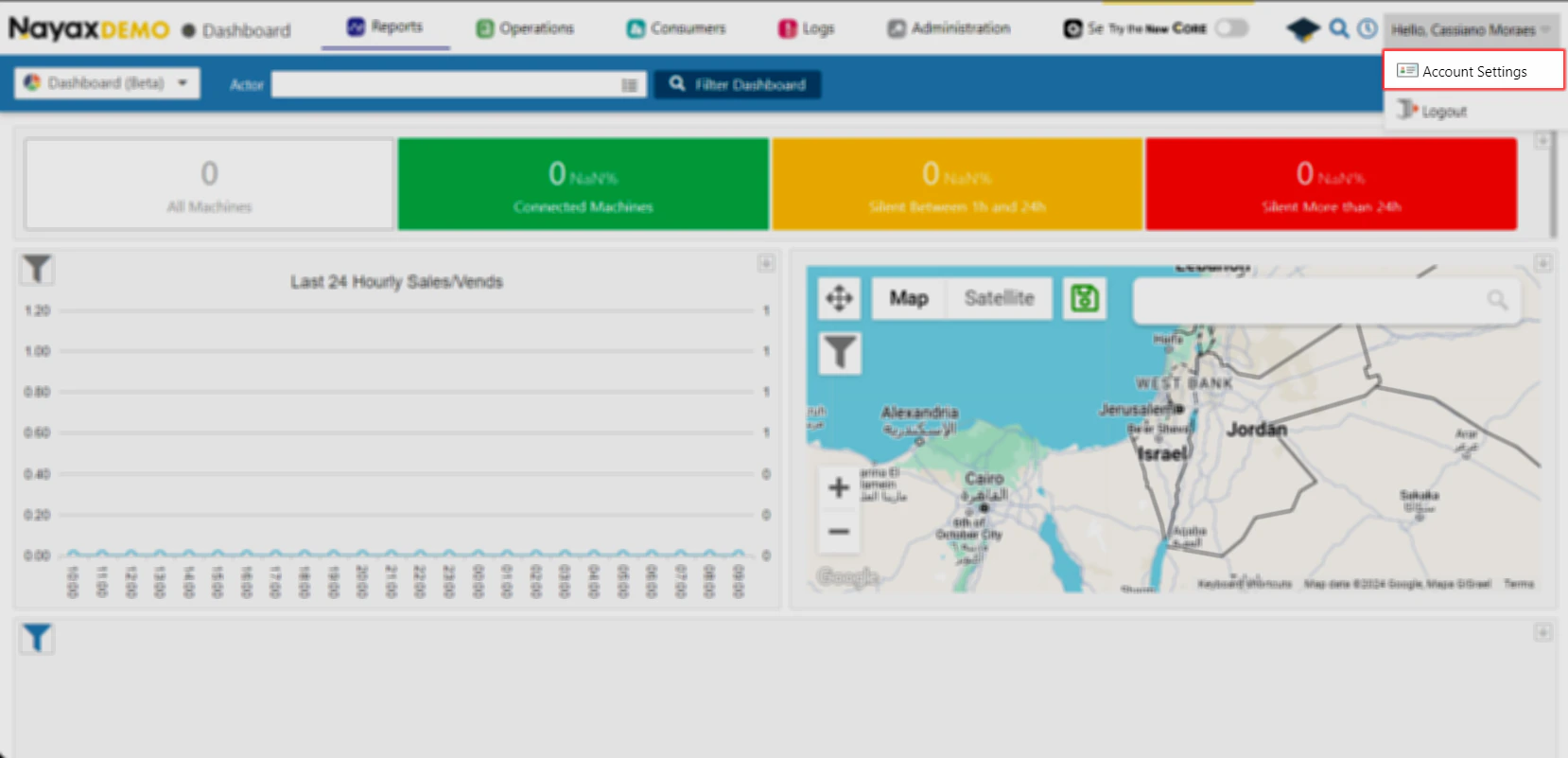
Navigate to Account Settings by clicking on your username at the top right corner, and selecting the Account Settings option.
-
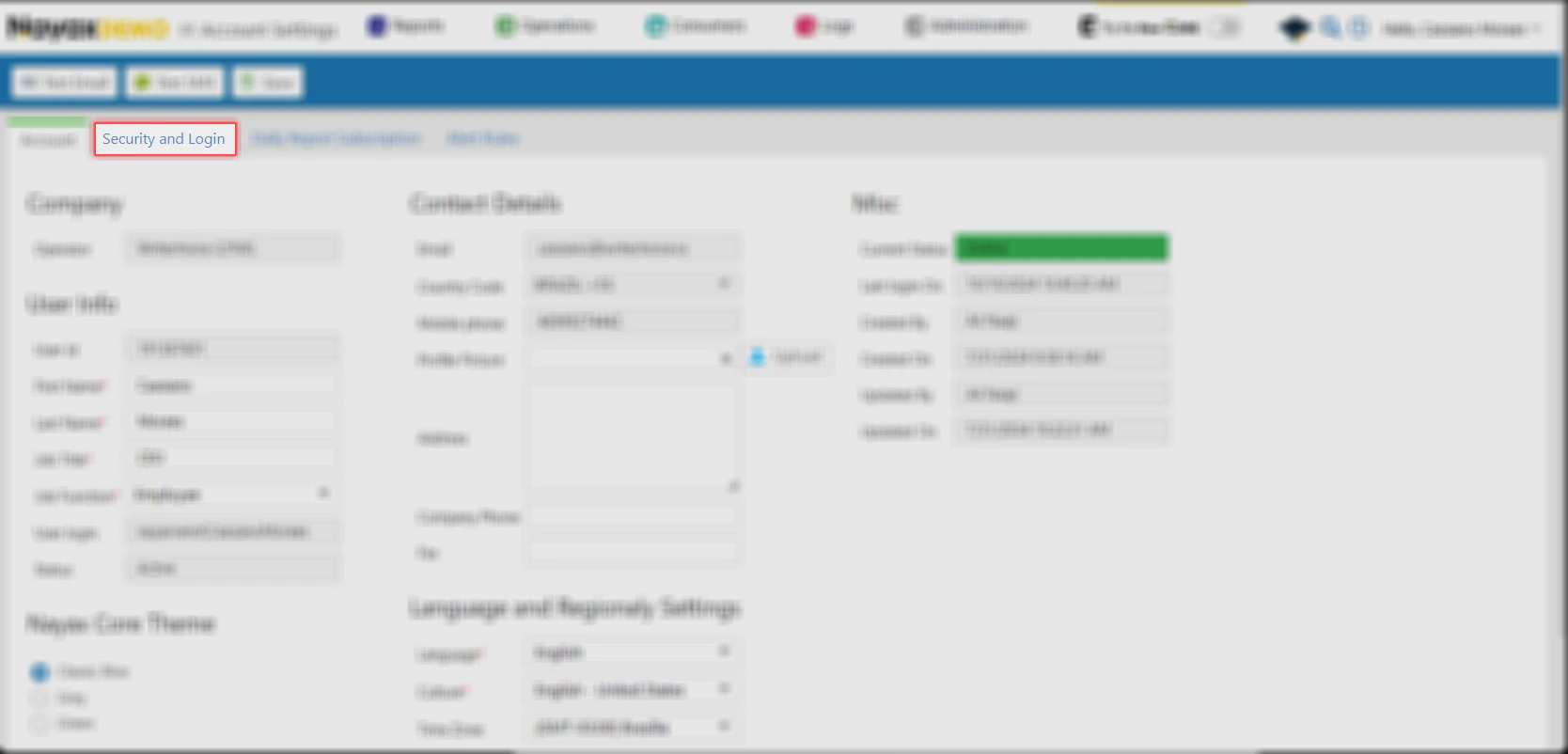
Access the Security and Login Tab.
-
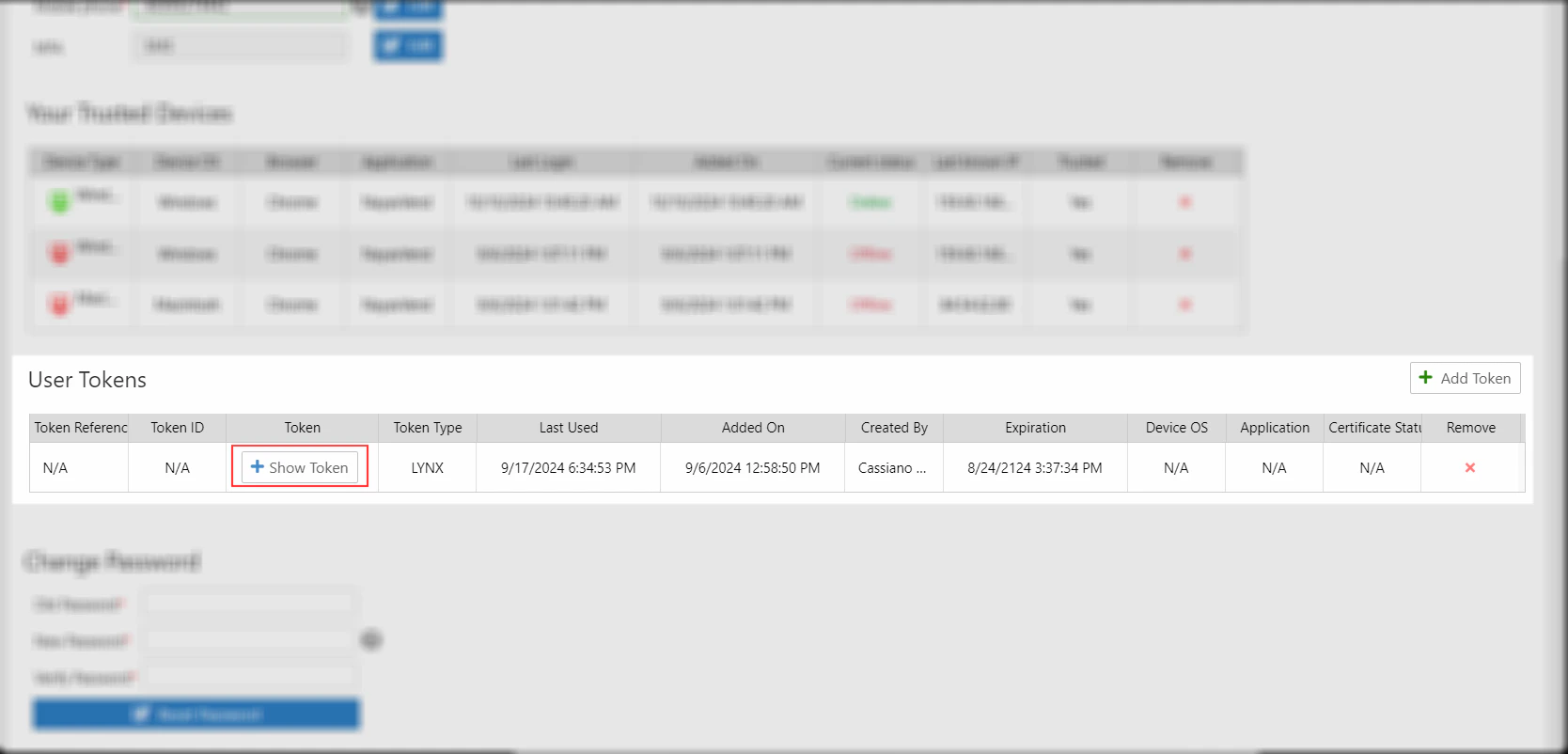
Navigate down to the User Tokens section.
-
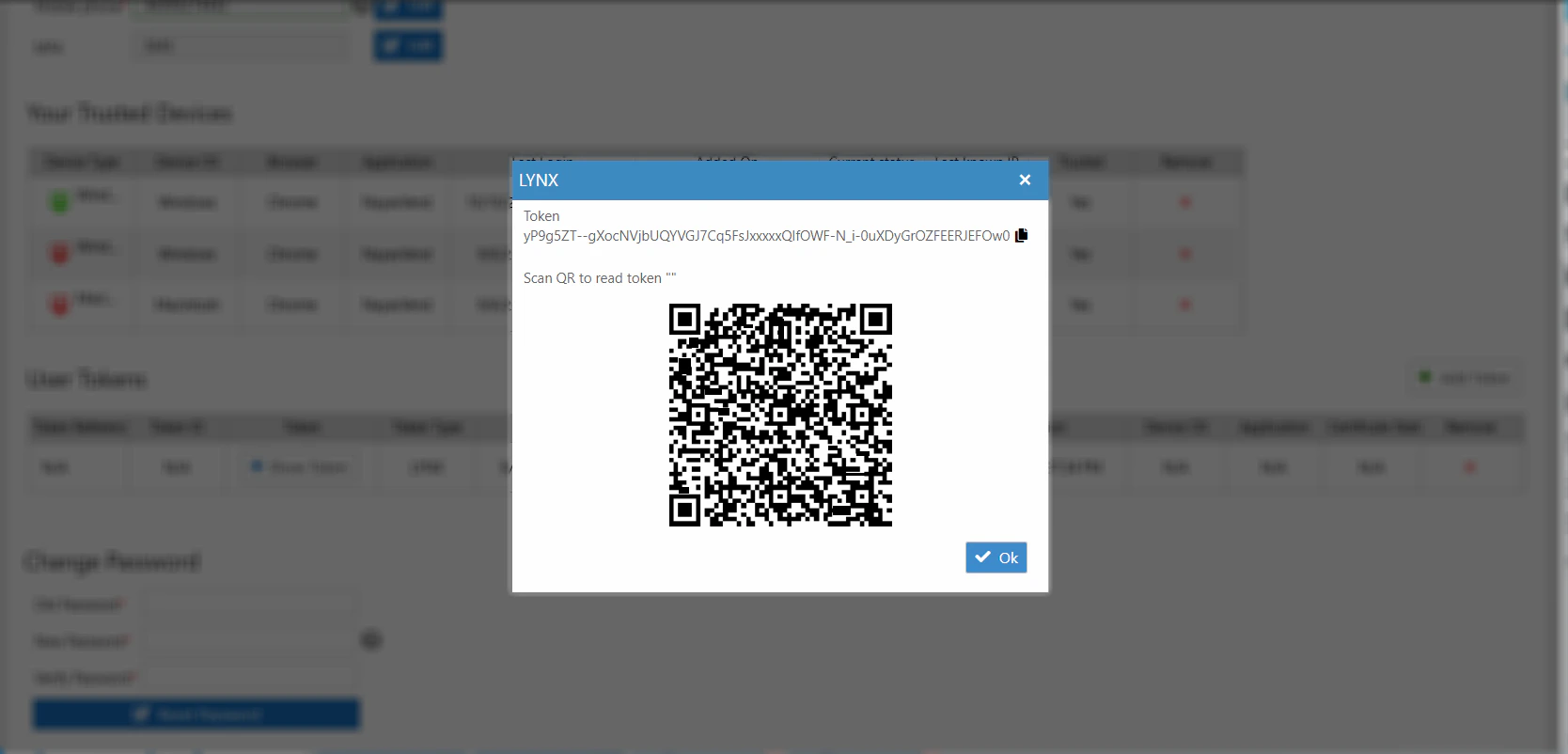
Click the Show Token button next to an existing token to show it, and copy the token for use in API calls.
Using the Token in API Requests
Include the access token in theAuthorization header for each API request:
- Replace
<YOUR_ACCESS_TOKEN>with your actual token retrieved from Nayax Core.
EnvironmentsAll examples in this documentation use the QA base URL:
https://qa-lynx.nayax.com/operational. For production, replace the hostname with lynx.nayax.com.